3D CHRISTMAS TREE · BACKGROUND COLLECTION

Backgrounds for the
3D Christmas Tree

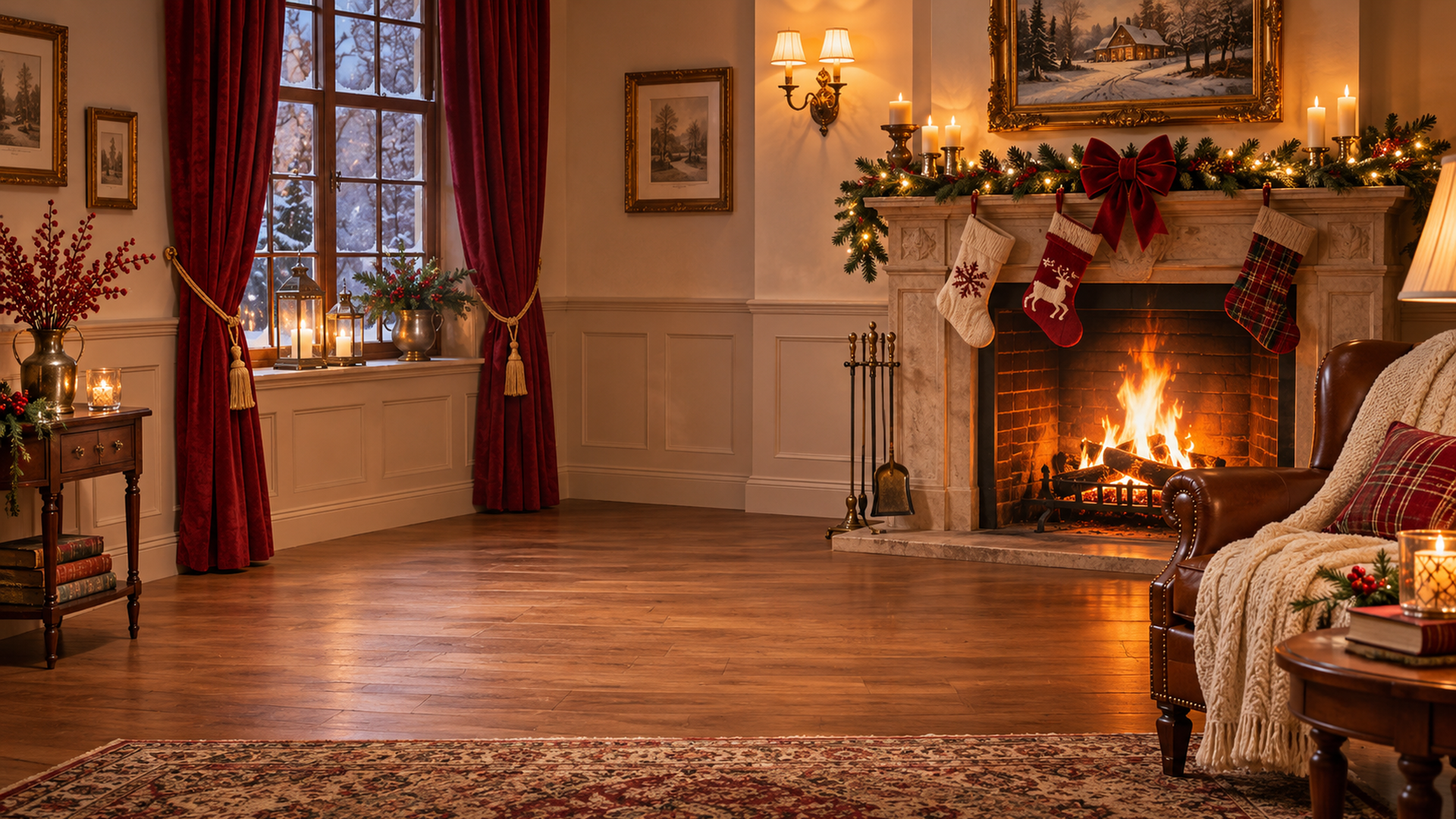
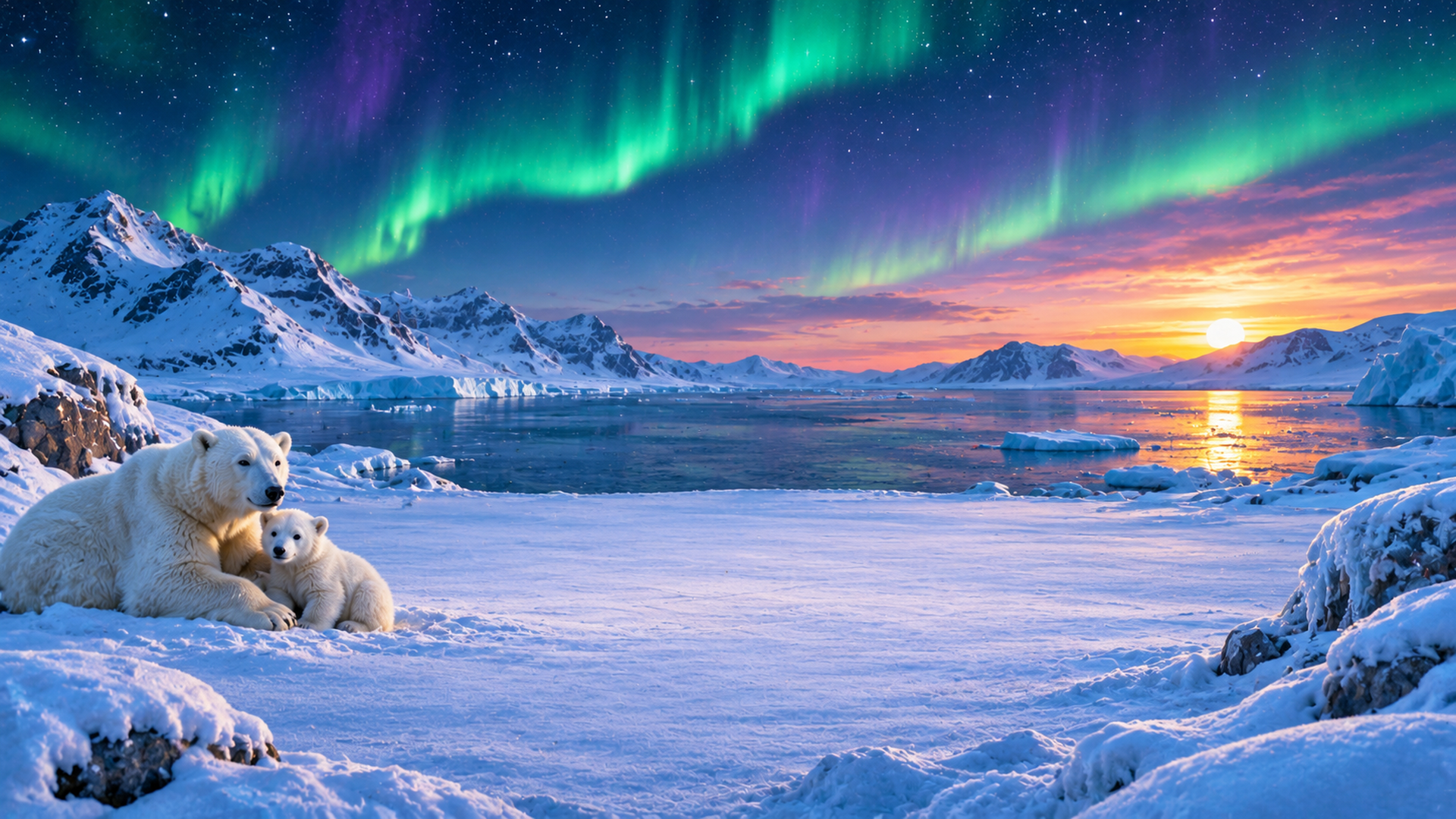
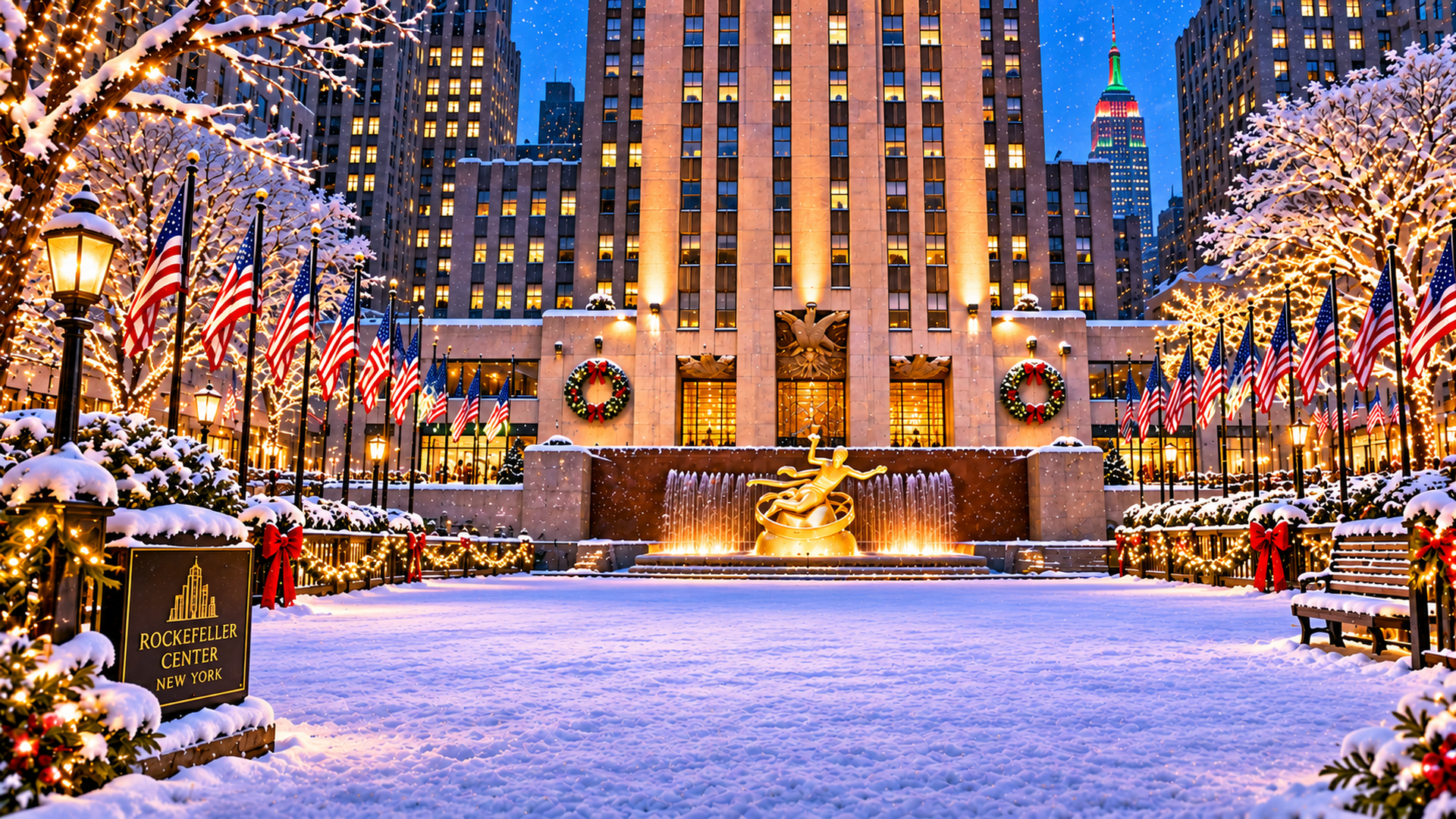
Give your tree a place to shine. Choose from eleven festive scenes, from a cosy fireside to the snowy Alps and a tropical Christmas.

11 PNG images · 1920 × 1080 pixels · 16:9 · ZIP · 37.3 MB
No sign-in required

CHOOSE YOUR CHRISTMAS SETTING

A festive scene for every tree.

AI-generated artwork for StrataKernel Software. These are artistic interpretations, rather than photographs of real locations. Download an original PNG to use in the app; the smaller JPEG previews are for browsing.

FROM DOWNLOAD TO BACKGROUND

Ready on your iPhone or iPad in four steps.

Use Safari and the built-in Files app. You choose where to keep the collection.

  1. Download the ZIP in Safari

    Tap Download all backgrounds and allow the download. Safari saves the ZIP to its configured Downloads location; it normally does not ask you to choose a folder for each download.

  2. Find the ZIP in Files

    Open Files → Browse. Look in iCloud Drive → Downloads or On My iPhone / On My iPad → Downloads. If needed, check Safari’s Downloads setting. You can touch and hold the ZIP and choose Move to put it in another folder.

  3. Extract the collection

    Tap 3DChristmasTree-Demo.zip in Files. Open the extracted 3DChristmasTree Backgrounds folder and check that the eleven PNG images are present. Allow about 80 MB for both the ZIP and extracted files.

  4. Choose a background in the app

    In 3D Christmas Tree, open Atmosphere → Choose from files. Select one PNG from the extracted folder. Use Move and zoom to frame your tree, then preview your card. The app imports one image at a time.

Using a Mac?

Download the ZIP to Downloads or another chosen folder. Double-click it in Finder to extract it. In the app, choose Atmosphere → Choose from files and select a PNG from 3DChristmasTree Backgrounds.

Only want one background?

Tap Download PNG. If Safari displays the image, use Share → Save to Files. Keep cloud files downloaded for offline use. Landscape backgrounds can be cropped in portrait, so check the card preview.