Notice sustained motion
The detector considers the motion pattern, duration and background noise. When its conditions are met, it can sound an alert. Sensitivity adjusts the movement thresholds so you can choose the setting for your setup.

A live view of local motion, an alert for sustained shaking and recent earthquake information — in a calm, readable iPhone app.
Local measurements and catalogue context do not predict earthquakes or establish danger. Alerts can be false or missed. Sound and light controls do not contact emergency services or guarantee reception.
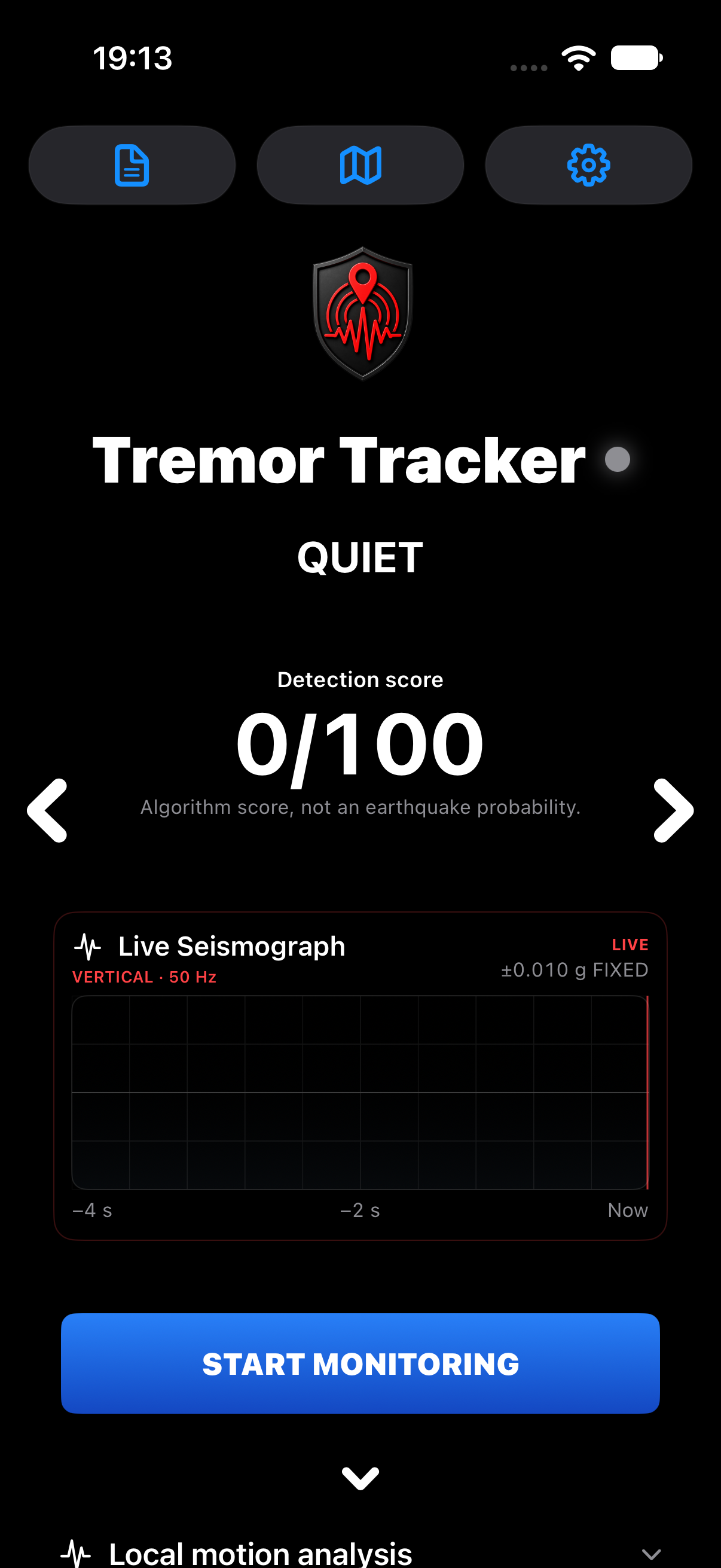
Tremor Tracker brings the iPhone’s motion readings into view. Start monitoring on a stable surface, let the detector calibrate, and explore how sustained movement differs from the surrounding background.
The detector considers the motion pattern, duration and background noise. When its conditions are met, it can sound an alert. Sensitivity adjusts the movement thresholds so you can choose the setting for your setup.
The main screen stays dark and readable. Live traces and expandable measurement panels give a clear overview, with deeper detector and catalogue details available when you want them.
Place the iPhone flat on a stable surface or upright in a suitable charging stand. Use external power for longer sessions. After calibration and the selected Sleep Delay, the app can dim its display while remaining open in the foreground. Locking the phone or leaving the app can interrupt measurement and alerts.
One focused interface for live motion, adjustable local alerts, recorded evidence and optional signaling tools.
Calibrate to the local background and view device motion on a live trace. Sleep Mode dims the app display while it stays in the foreground.
The existing local and catalogue-supported alarm routes detect qualifying sustained movement. Choose sensitivity and local delay in Settings.
Actual algorithm scores appear as points out of 100. The score is not an earthquake probability, and starting an alarm does not raise it.
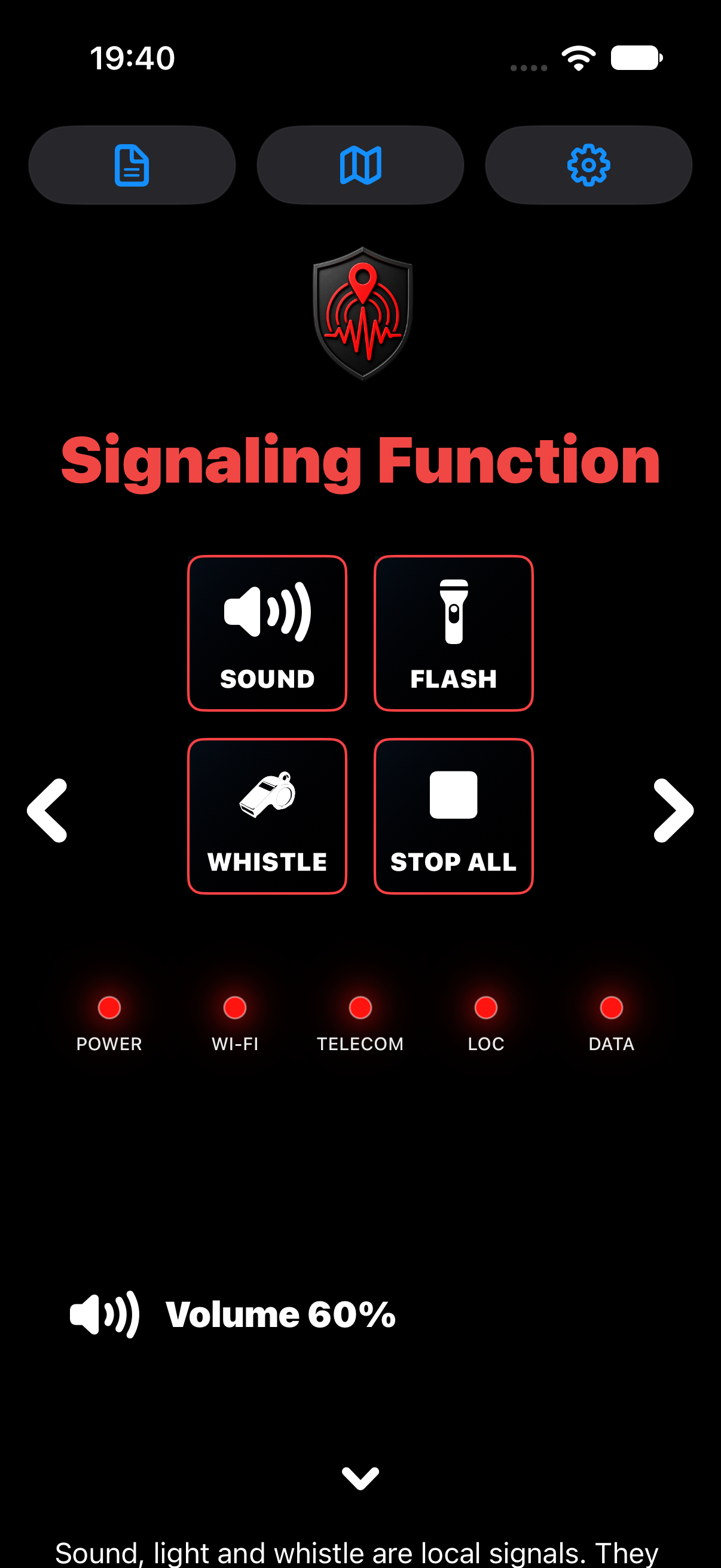
Play an SOS sound, flash the light or use a whistle sound. A Stop All control ends these local outputs.
Power and communication indicators give a quick view of the available services. The alert and signaling screens share the same five indicators. LOC describes an available location fix; it does not establish an exact position or successful signal delivery.
Browse recent USGS/NEIC, GFZ GEOFON and EMSC catalogue events. The map and event details add context to local readings. A possible catalogue match does not prove what caused the phone to move.
A large detection score, live seismograph and direct monitoring control put the essential information in view. The calculated score is displayed unchanged, including when an alarm starts.
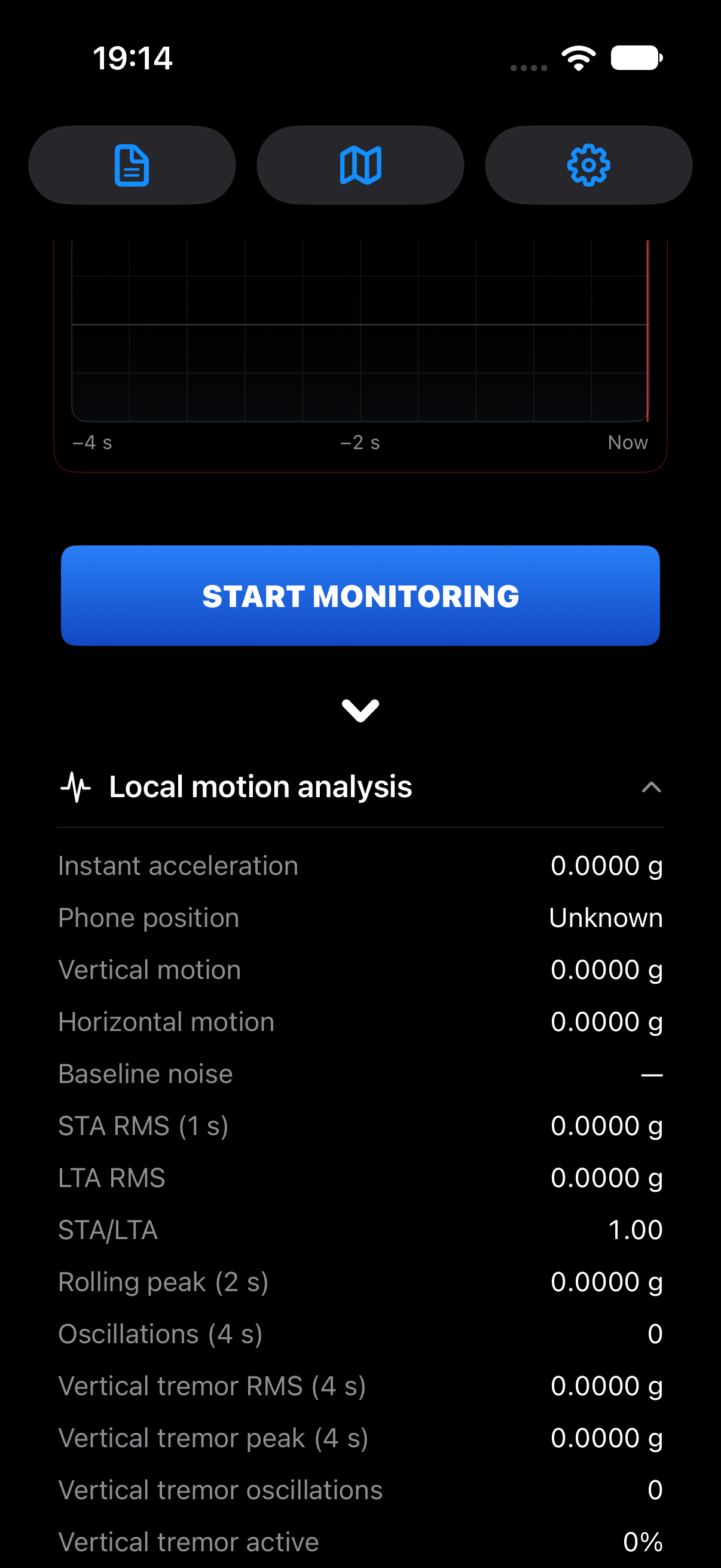
Open the measurement panels to inspect motion components, background noise, timing and the detector’s evidence. Recorded alarms retain their calculated scores.
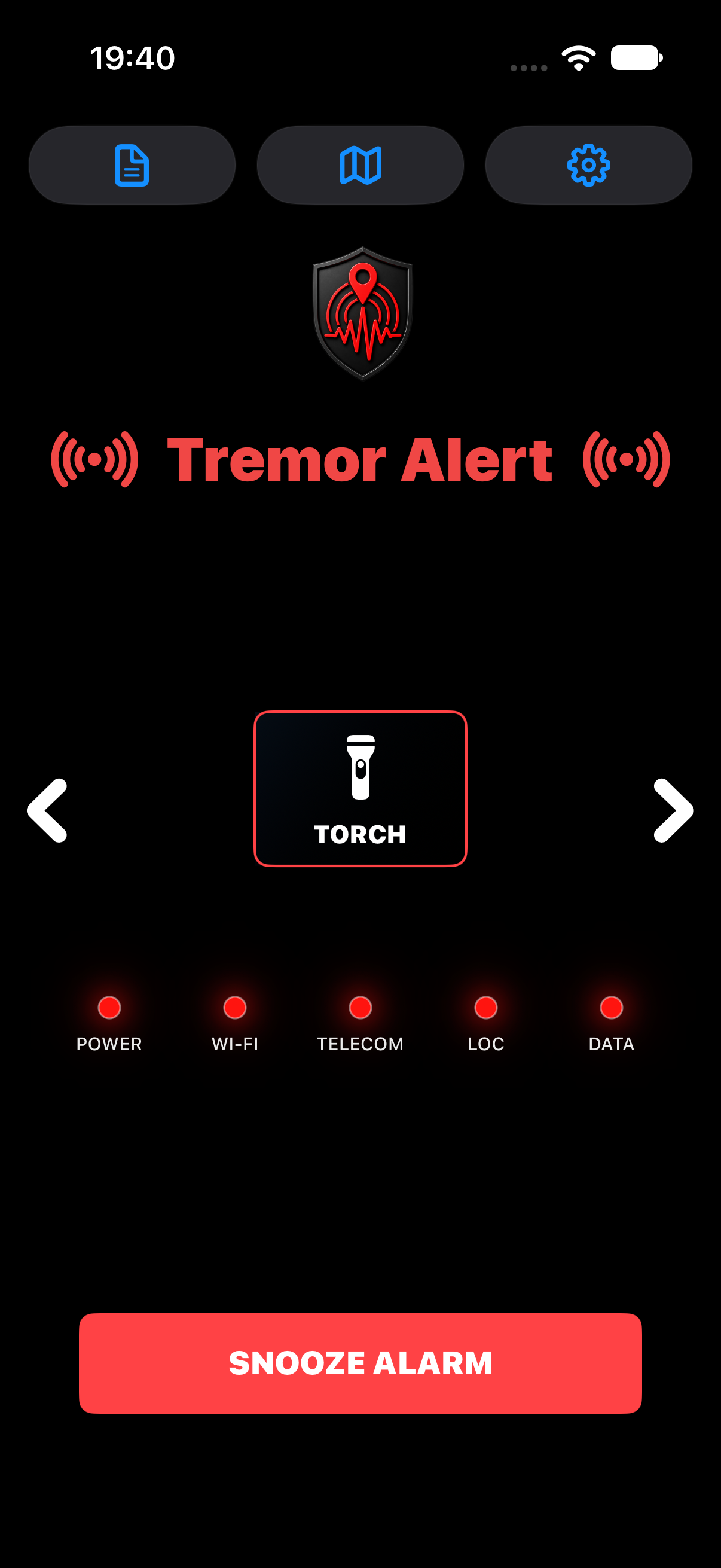
The alert screen combines a torch control and a prominent snooze button. A motion alarm reports that the detector conditions were met; the app does not establish the cause or level of danger.
Signaling Function keeps the sound, flash and whistle controls together. Use them separately and stop them together. These are local outputs, with no automatic call or message to emergency services.
Live measurements when you want an overview. Detailed evidence when you want to look closer.
Explore recent earthquake catalogue entries from USGS/NEIC, GFZ GEOFON and EMSC. Location is used for earthquake distances and map context.
USGS/NEIC, GFZ GEOFON and EMSC are monitored independently. A matching P- or S-wave arrival within 500 km can be used from whichever source reports it first. Unavailable sources are skipped and retried after 60 seconds. Alarm logs retain the matching sources and any missing confirmation; a possible match does not establish causation.
Browse the most recent catalogue window and inspect event details, magnitudes and provider information. Provider credits and licence notices remain available in the app and exported alarm evidence.
A calm main screen, direct alert controls and a separate sound-and-light signaling screen.
Live motion measurements, adjustable local alerts and recent earthquake information in one clear view. Explore the readings, review recorded events and keep practical sound and light controls close at hand.