Your collection, your journey
Revisit a place, look closer at a favourite subject or rediscover a stereo archive. Choose your collection before putting on the headset, then move through it one photograph at a time.

 StereoViewer
Discover another dimension in your photographs. StereoViewer brings your stereo collection to iPhone — and even turns ordinary 2D photos into 3D views, automatically.
For still stereo photographs on iPhone. A compatible headset is required for headset viewing. Screenshots below were captured on iPhone 17.
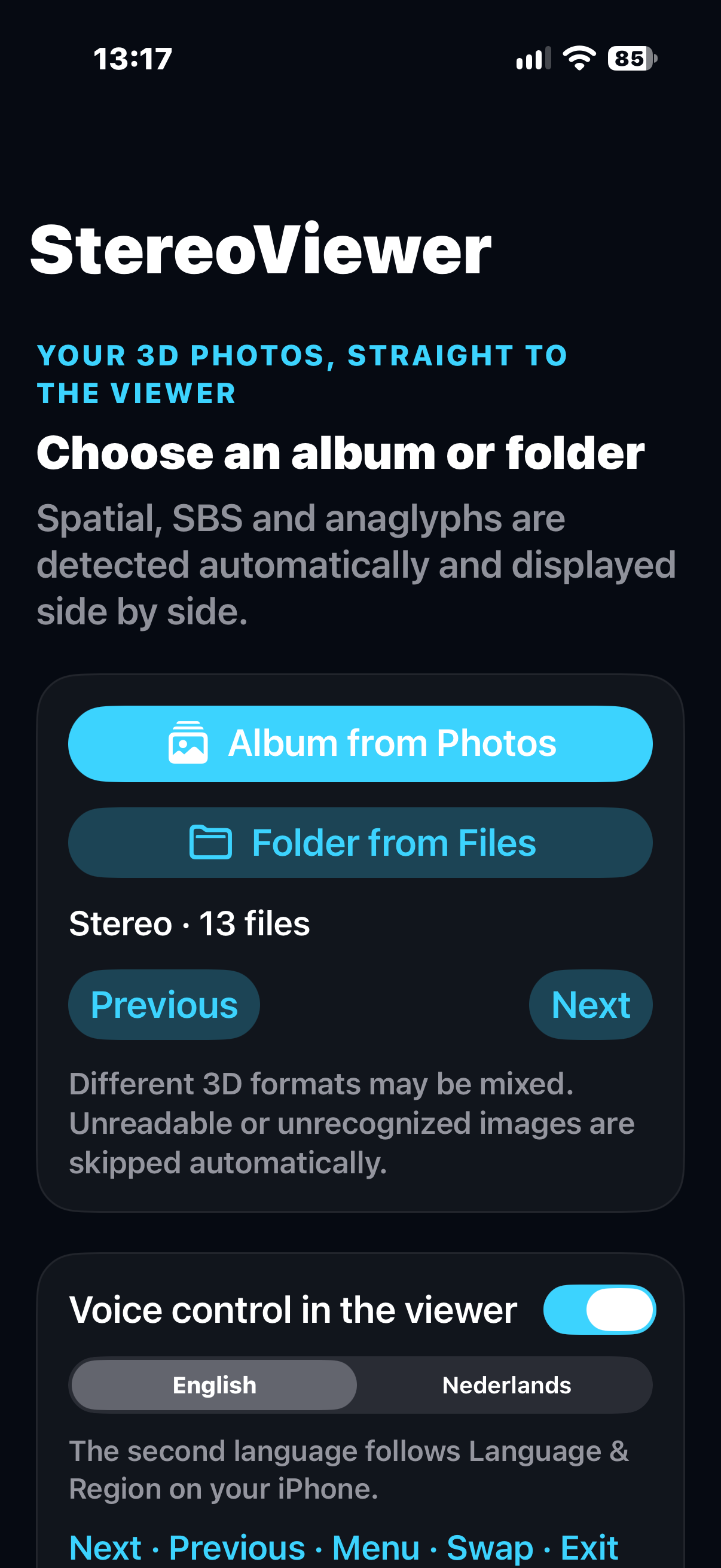
Classic stereo viewing has always had a simple appeal: two pictures become one scene with depth. StereoViewer brings that experience to the photographs you already keep on your iPhone.
Revisit a place, look closer at a favourite subject or rediscover a stereo archive. Choose your collection before putting on the headset, then move through it one photograph at a time.
The app displays a left and right image side by side. A compatible headset directs each view to the corresponding eye, letting the differences between them create a sense of depth.
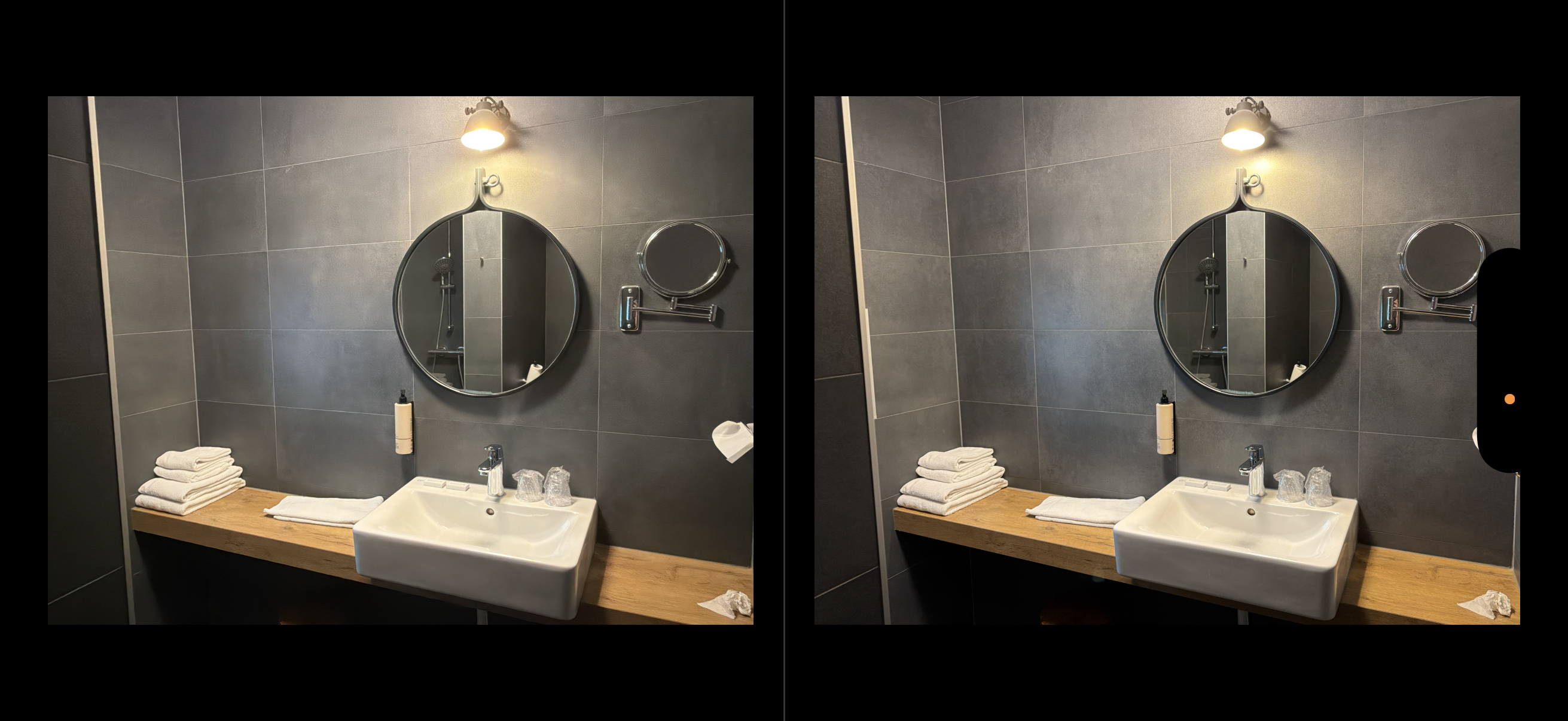
That favourite landscape. A familiar face. A moment worth another look. StereoViewer can give everyday photographs a new perspective by estimating depth and creating a separate view for each eye — right on your iPhone.
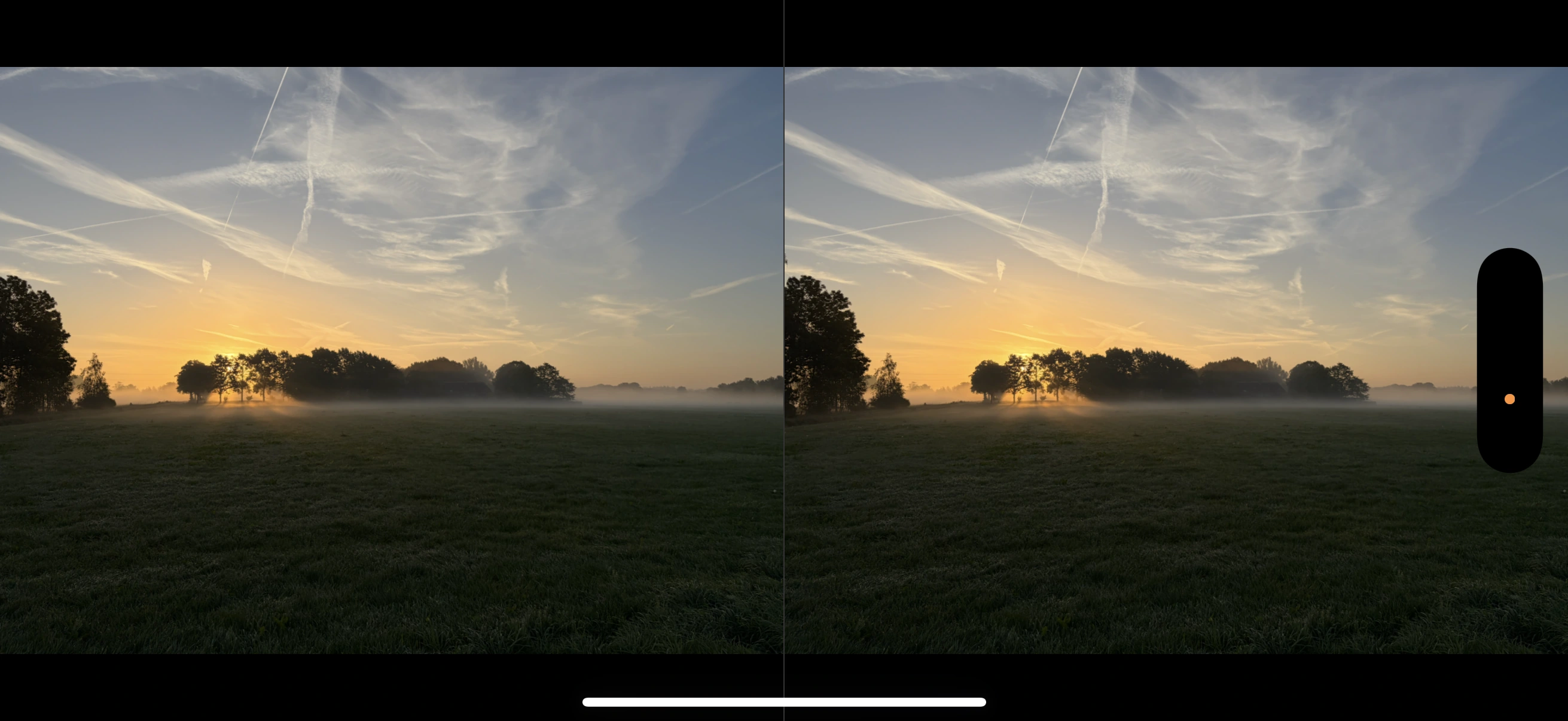
Keep ordinary photos and stereo images in the same album or folder. When StereoViewer encounters a 2D photograph, it attempts the conversion as you browse. There is no separate conversion button, format choice or export step.
Depth estimation runs on your iPhone with an included model. Photos are not uploaded for conversion and originals stay unchanged. Once your images are available on the device, 2D conversion works offline.
Depth is estimated from a single photo, so results vary. Glass, reflections, fine detail and hidden surfaces can be challenging. Images the app cannot load or convert are skipped automatically. Generated views are used for viewing; this version does not save a Spatial photo.
Mix ordinary photographs and supported stereo formats in the same collection. StereoViewer examines each image as you browse and prepares the eye views when needed, leaving your originals unchanged.
Automatically estimate depth from an ordinary photo and generate a stereo pair for the headset. No special camera or original stereo capture is needed.
Read the embedded stereo views from supported Spatial HEIC originals and bring them into the side-by-side viewer.
View recognised stereo pairs stored together in a JPEG or PNG. Each half supplies the image for one eye.
Separate red-cyan, red-green or red-blue images into grayscale eye views. The red channel supplies the left eye.
Automatic detection and conversion depend on the image. Unreadable files and unsuccessful conversions are skipped. Anaglyph conversion cannot restore missing colour information or remove all existing ghosting.
Select an album in Photos or a folder in Files and check the stereo preview. There is no need to choose an input format or a display mode.
Set the voice language if you want spoken controls. English is always available; a supported second language follows your iPhone’s preferred language and region. The voice test is optional.
Tap Start stereo viewer, rotate the iPhone to landscape and centre it securely in your headset. Adjust the headset’s physical fit and focus until the view is clear and comfortable.
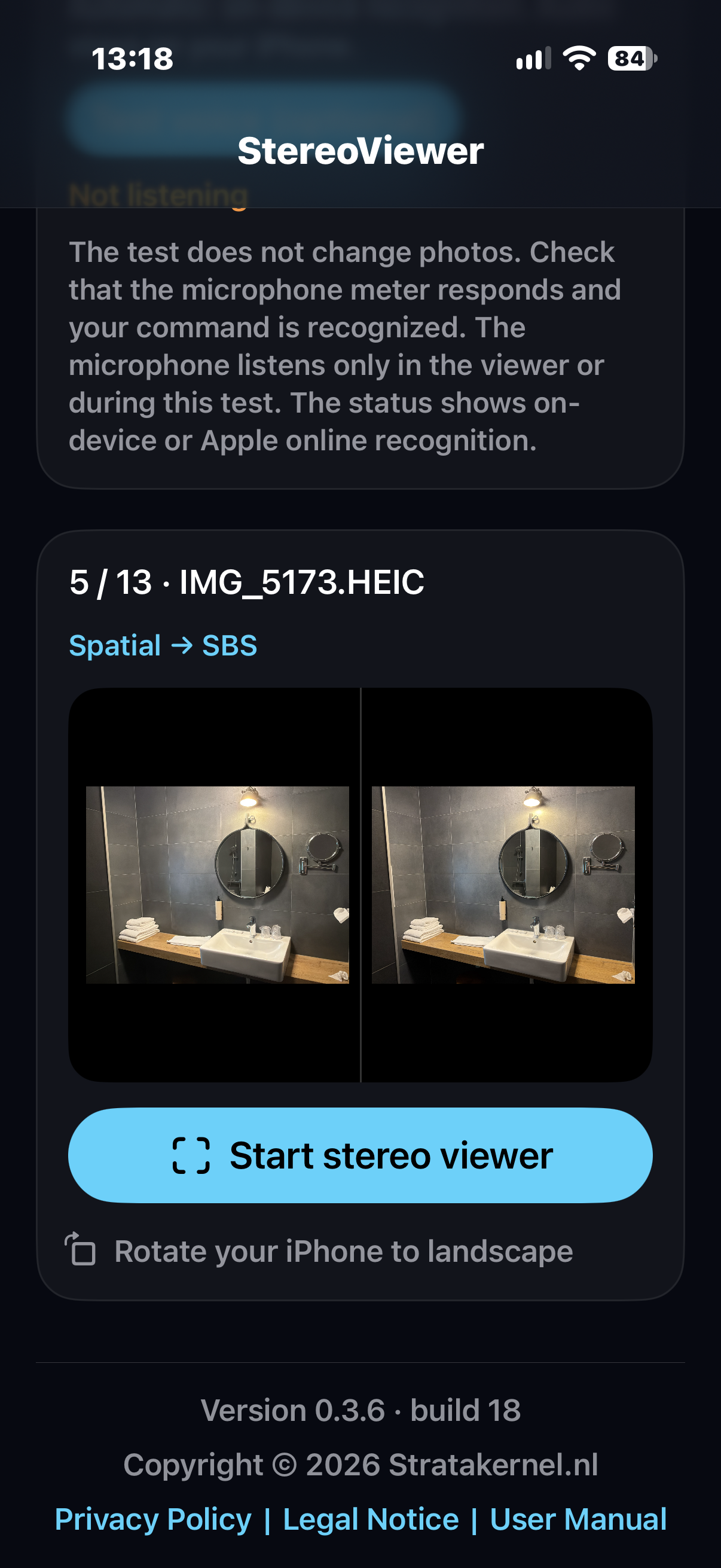
Say one command at a time. Move to the next photograph, return to the previous one or bring up the menu. A recognised command appears briefly in both eye views.
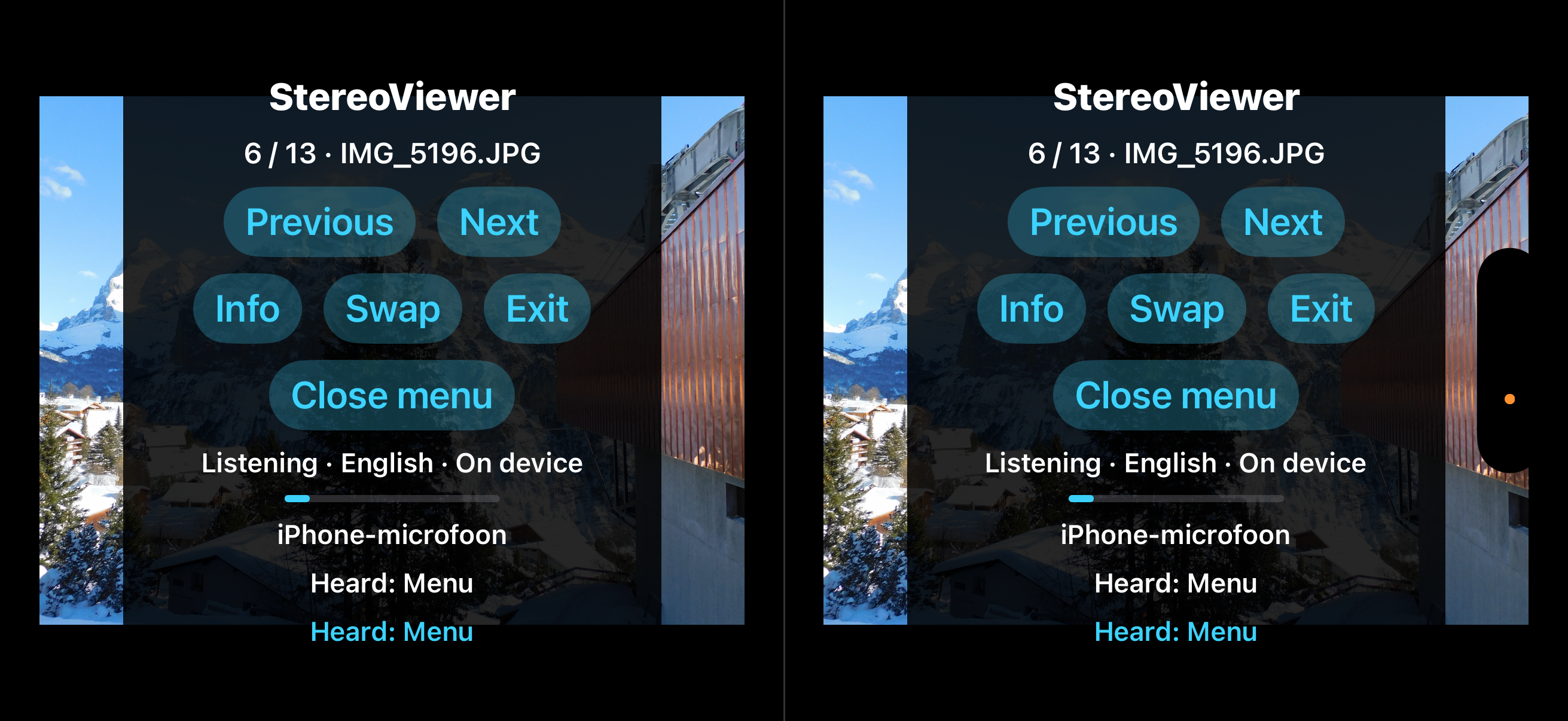
If depth looks reversed, use Swap to exchange the left and right eye views. Tap the picture or say Menu to show or hide the controls.
Leave voice control off to browse by touch. With voice enabled, the app uses on-device recognition when available, or Apple online recognition when needed. Online recognition sends audio to Apple and requires internet access.
English is always an option. When Apple Speech supports your preferred iPhone language, StereoViewer offers it as a second choice, using your region to select a suitable language variant. The app interface and displayed command words follow your selection.
Translated commands include Dutch, French, German, Spanish, Italian, Portuguese, Japanese, Korean, Chinese and more. Say the words shown in the app, one at a time. System dialogs and photo captions keep their own language.
The language choices shown depend on Apple Speech support on your iPhone. Recognition may run on the device or use Apple online services, depending on availability.
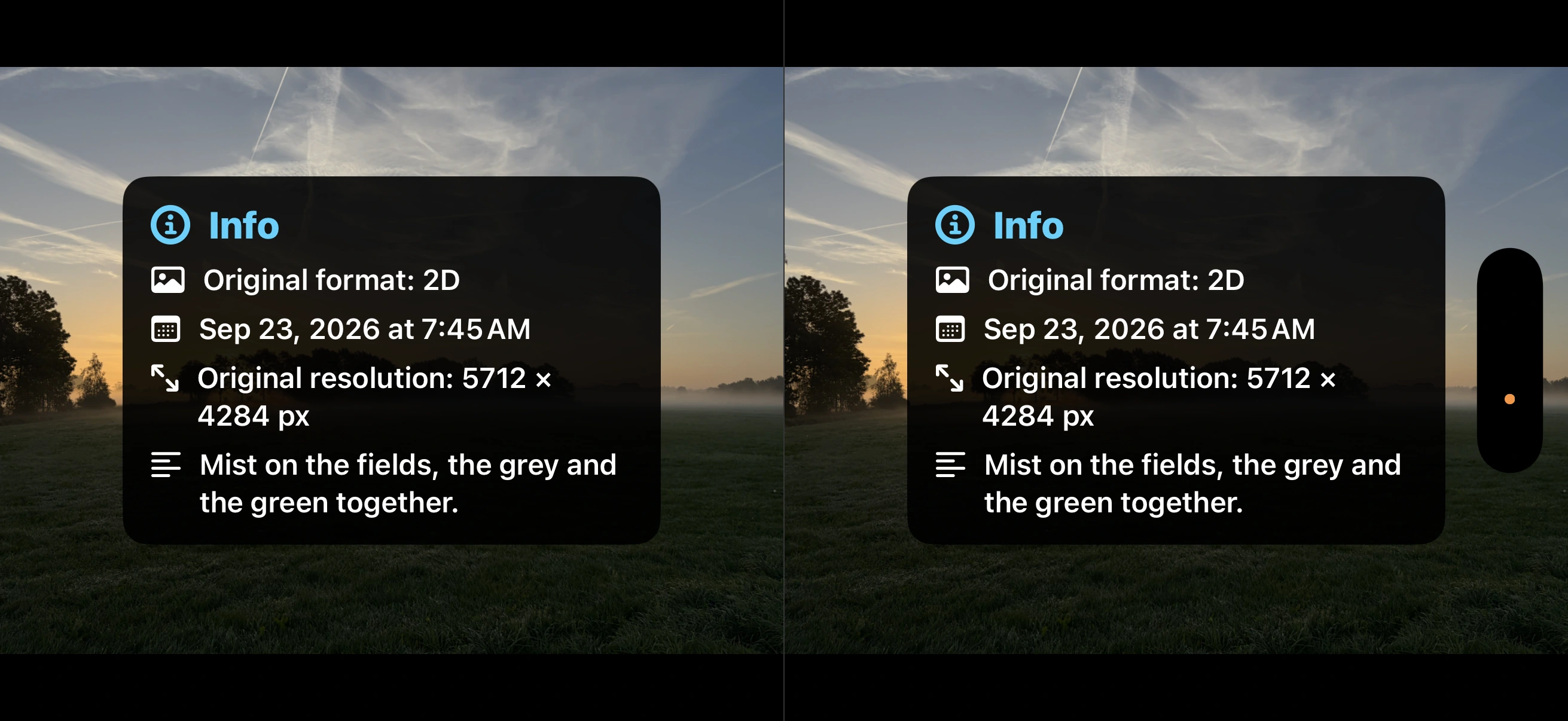
Say Info to see the original format — 2D, SBS, Spatial or Anaglyph — together with the available date, original resolution and caption. The information appears for both eyes, then disappears after three seconds. Next, Previous or a swipe clears it immediately. Missing fields are simply left out.
Your stereo collection and everyday photographs, seen in a new dimension. Enjoy automatic 2D-to-3D conversion, Spatial, SBS and anaglyph viewing, with swipes or simple voice commands.